Email on Linux, as a kanban board.
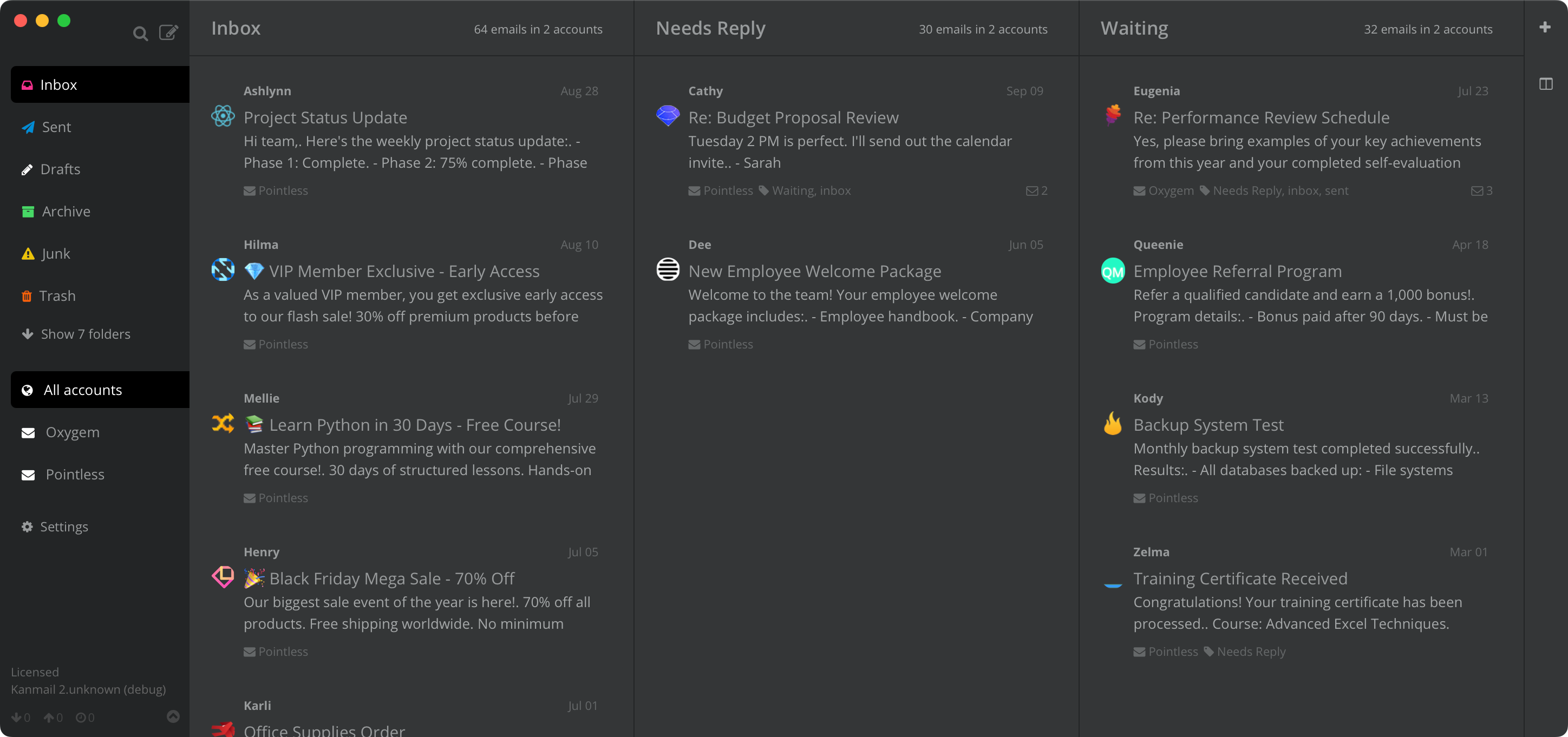
Every other Linux client gives you a list. Kanmail gives you columns you drag messages through, with all of your accounts on one board.
Not a port.
The same app.
Linux gets the release macOS and Windows get, at the same time, with the same features and the same one license. If you have compared the options already, you will have noticed how rarely that is true of paid email clients.
Your folders,
side by side.
Pick the folders or labels that matter and Kanmail pins them as columns. Triage is dragging a card from one to the next, so everything in flight stays on screen instead of scrolling out of sight behind the newest message.

Keyboard first, mouse optional.
Search, archive, move between columns and jump between accounts without leaving the home row. Drag and drop is there when you want it, but nothing needs it.

Work, personal, and the old one.
Add as many accounts as you have and Kanmail merges them into a single board, tinting each one a different color so you never reply to a client from the wrong address.

Installing
Three steps,
no package manager.
Honest note: there is no distro package, Flatpak or Snap yet, so updates are not handled by your package manager. Everything else, including the desktop entry, works the way you would expect.
Wherever you are
GNOME, KDE, or whatever you built
Ubuntu · Fedora · Arch · Debian · Mint
Kanmail follows your system light and dark preference and stays out of the way of the rest of your desktop. It does not try to be a GNOME app on KDE, or a KDE app on GNOME. It is a board that looks the same everywhere, which is rather the point when the board is the thing you came for.

Your mail never touches our servers.
Local-first, by design
Kanmail runs on your machine and talks straight to your provider over IMAP. Messages cache locally and stay there. There is no sync service in the middle, because there is nothing of ours in the middle. Tracking pixels are blocked and remote images hidden by default.
Read the code you are running
Kanmail is source-available, so you can check what it does rather than take our word for it. Gmail and Outlook connect with OAuth, so your password never reaches the app, and anything with IMAP works too.
Getting started · Security overview · How Kanmail compares to other Linux clients
No subscription, on any platform
$49. Once.
Free to evaluate for as long as you need, with no card and no time limit. Pay once when it sticks, and the same license covers macOS and Windows too.
AppImage · x86-64 & aarch64
Also: Kanban for Gmail · Outlook · Fastmail · Proton Mail · vs Thunderbird