Kanmail vs Spark
Spark is slick and syncs everywhere, with Readdle’s servers in the loop. Kanmail keeps your inbox on your machine, and asks for one payment. Here’s the honest side-by-side.
 Kanmail
$49
once · on your device
- ✓Mail never leaves your machine
- ✓Buy once, no subscription
- ✓Kanban board on Mac, Win & Linux
$99/yr
free tier · Plus billed yearly
- –Some mail data on Spark’s servers
- –Subscription for the good parts
- –List inbox, no Linux app
Side by side
Spark genuinely wins two rows. We marked them honestly.
KanmailSpark (by Readdle): free tier; Plus $99/yr or $10/mo, Pro $199/yr or $20/mo, per user. Spark’s privacy policy says mail is mainly processed on your device, but recent emails are kept on its systems for four hours (encrypted, for notifications), send later and shared emails are processed server-side, and AI features use third-party AI providers. Verified September 2026.
Where does your mail actually live?
This is the real difference. For notifications, Spark keeps an encrypted subject and snippet of recent emails on its servers for four hours, and features like send later, sharing and AI process your mail away from your device. Kanmail never does.
Kanmail
A direct line to Gmail, iCloud, Fastmail — whoever hosts your mail. Nothing in between, nothing to scan, nothing to profile. Tracking pixels blocked by default.
Spark
Spark says your mail is mainly processed on your device, but for notifications it keeps an encrypted subject and snippet of recent emails on Readdle’s servers for four hours. Send later and shared emails are processed there, and AI requests go to third-party AI providers. Convenient, but your mail is no longer only on your device.
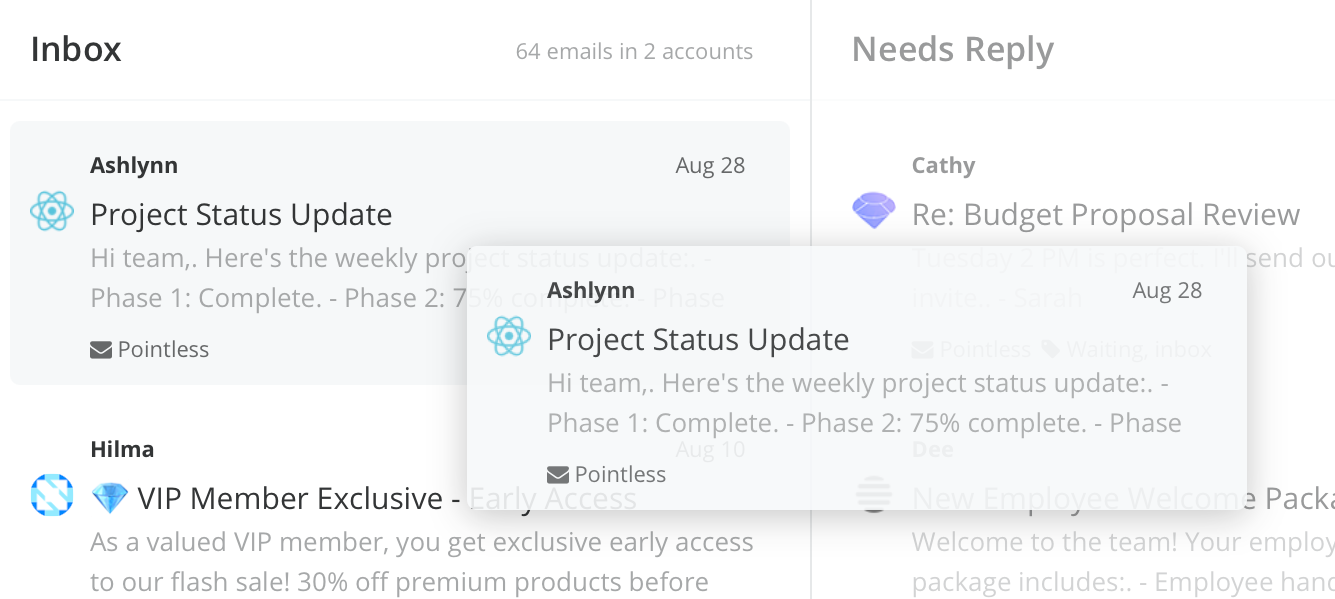
Board, not a list
Spark sorts your list.
Kanmail replaces it.
Spark’s Smart Inbox auto-categorizes a feed for you. Kanmail hands you the controls. Columns you define and drag cards through, so the structure matches your work, not an algorithm’s guess.
Own it, don’t rent it
One payment, full app.
Spark’s best features sit behind a Plus or Pro subscription. Kanmail is $49 once. Every feature, no tiers, no quotas, and it keeps working whether or not you ever pay again.
Runs where you do
Including Linux.
Same app and license on Mac, Windows and Linux. Spark covers Mac, Windows and mobile but there’s no Linux desktop client.
Where Spark wins
That cloud side buys real things. If these matter more than keeping mail on-device, Spark is the better fit.
Real mobile apps
Polished iOS and Android clients with full sync. Kanmail is desktop-only — if your primary inbox is your phone, Spark is the call.
AI writing & Smart Inbox
Compose, rephrase and summarize with AI, plus a Smart Inbox that sorts mail for you. Kanmail is deliberately AI-free and local.
A generous free tier & teams
Real free plan plus shared inboxes and collaboration. Kanmail is a single-user app you buy once.
Keep your inbox yours
$49. Once.
Try Kanmail free for as long as you need. No card, no servers holding your mail. Try free today.
Wondering how paying once works? The email client you buy once →